How to save expressions in After Effects and reuse them
Three ways to keep the expressions and scripts you reuse: an animation preset, a text file, or a tool in an expression manager that syncs to every computer you work on.
By Filip Miernik
Tutorial
6 min read

After Effects has no library for expressions, so you save them one of three ways. Save the property as an animation preset (Animation > Save Animation Preset), keep the code in a text file and paste it with Edit > Copy Expression Only, or store it as a tool in an expression manager panel that applies it in one click.
The first two are built into After Effects and free. The third is what we built into Flexile, our After Effects extension: your expressions and scripts become buttons that sync to your account, free during the beta.
Which method should you use?
- An expression you use in a few projects: an animation preset. It keeps the expression together with the effect controls it reads.
- A snippet you adapt every time: a text file. Paste it and change the layer names by hand.
- Expressions and scripts you use every week, on more than one computer: an expression manager. You click a button instead of hunting for a file.
Save an expression as an animation preset
Adobe’s own method, from the Editing expressions help page:
- Select the property that holds the expression in the Timeline panel. Select its effect controls too, if the expression reads them.
- Choose Animation > Save Animation Preset and give it a name.
- Keep the default folder, User Presets, so the preset shows up in the Effects & Presets panel.
- To reuse it, select a layer and double-click the preset in Effects & Presets, or choose Animation > Apply Animation Preset.
The catch: a preset still works in another project only if the expression does not refer to a layer, comp or property that the new project lacks.
Copy an expression without its keyframes
For a one-off reuse, select the property, choose Edit > Copy Expression Only, select the target properties and paste. Only the expression moves, the keyframes stay where they are. To keep the code for later, paste it into a text file or a notes app.
Keep expressions and scripts as one-click tools
An expression manager is a panel that stores your code and applies it to the selection. In Flexile it is the Tools page, which also runs scripts and syncs everything to your Flexile account.
- Open the panel with Window > Extensions > Flexile for AE and sign in. Cloud Tools need a free account.
- On the Tools page, click + next to Cloud Tools, name the tool and choose Expression (or Script for ExtendScript).
- Paste the expression and select the properties it belongs on.
- Click Test. The expression is applied to the selected properties, so you see the result in your comp.
- Save. The tool appears under Cloud Tools, and on any other computer you sign in on.
Next time, select the properties and click the tool. The expression goes straight onto every selected property, on as many layers as you selected, in one undo step. Click it with no property selected and the panel says “No properties selected.” instead of failing silently. A property that can’t hold an expression is skipped and named.
A tool holds up to 1,000 characters of code. Star the ones you use most to keep them at the top.
Make a saved expression work in any project
A saved expression travels best when it doesn’t depend on names in one project:
- Refer to the layer it sits on with
thisLayerinstead ofthisComp.layer("Logo"). - Read numbers from effect controls on the same layer, so each use can have its own values.
- Keep it short. A comment-free version also fits a tool’s 1,000-character limit.
For example, a wiggle you can tune from two sliders on the layer:
freq = effect("Frequency")("Slider");
amp = effect("Amount")("Slider");
wiggle(freq, amp);
The built-in Overshoot, Bounce, Flicker and Wiggle tools in Flexile work this way: they add the expression and the effect controls together. How the bounce and overshoot expressions work.
Let an AI app write and save the tool
If you use Claude, ChatGPT desktop or Cursor, Flexile’s After Effects MCP server lets the AI create the tool for you. It checks the code before saving, refuses broken code, and the new tool appears on your Tools page. A prompt to try:
Save an expression tool called “Soft wiggle” that wiggles Position twice per second by 15 pixels, then run it on the selected layer.
Setup is in the AI setup guide. Without an MCP app, ask any chatbot for the code and paste it into a tool, as in ChatGPT for After Effects.
Other expression managers
Prices from each official page, checked 5 October 2026:
- KBar3: toolbars whose buttons run expressions, scripts, presets and menu commands. $39.99.
- Flexile (our product): scripts and expressions as Cloud Tools, synced to your account and writable by AI apps. Free during beta, After Effects 2025 or newer.
- Quiver 2: applies saved expressions from a library you edit in the panel. $20.
- Expression Adder: an expression library saved in one importable file. $9.99.
Try the Tools page free: create an account, install the extension and save your first tool.
Related posts
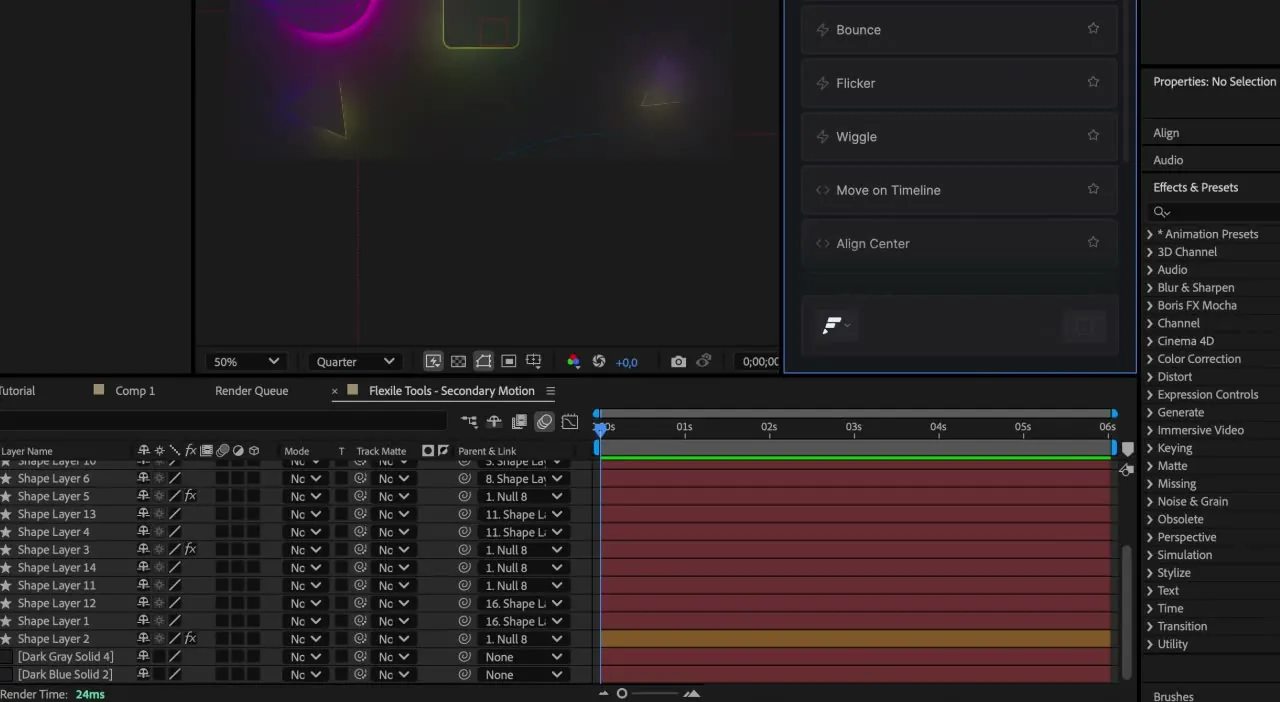
ChatGPT for After Effects: expressions, scripts and MCP
Two ways to use ChatGPT with After Effects: test and run the expressions and scripts it writes in a Flexile tool, or connect the ChatGPT desktop app or Codex so it works in your comp.
Bounce and overshoot expressions in After Effects (and one-click versions)
Two commented expressions to paste: an overshoot that springs past each keyframe and a bounce that rebounds like a ball. Plus slider controls, fixes and Flexile’s one-click rigs.
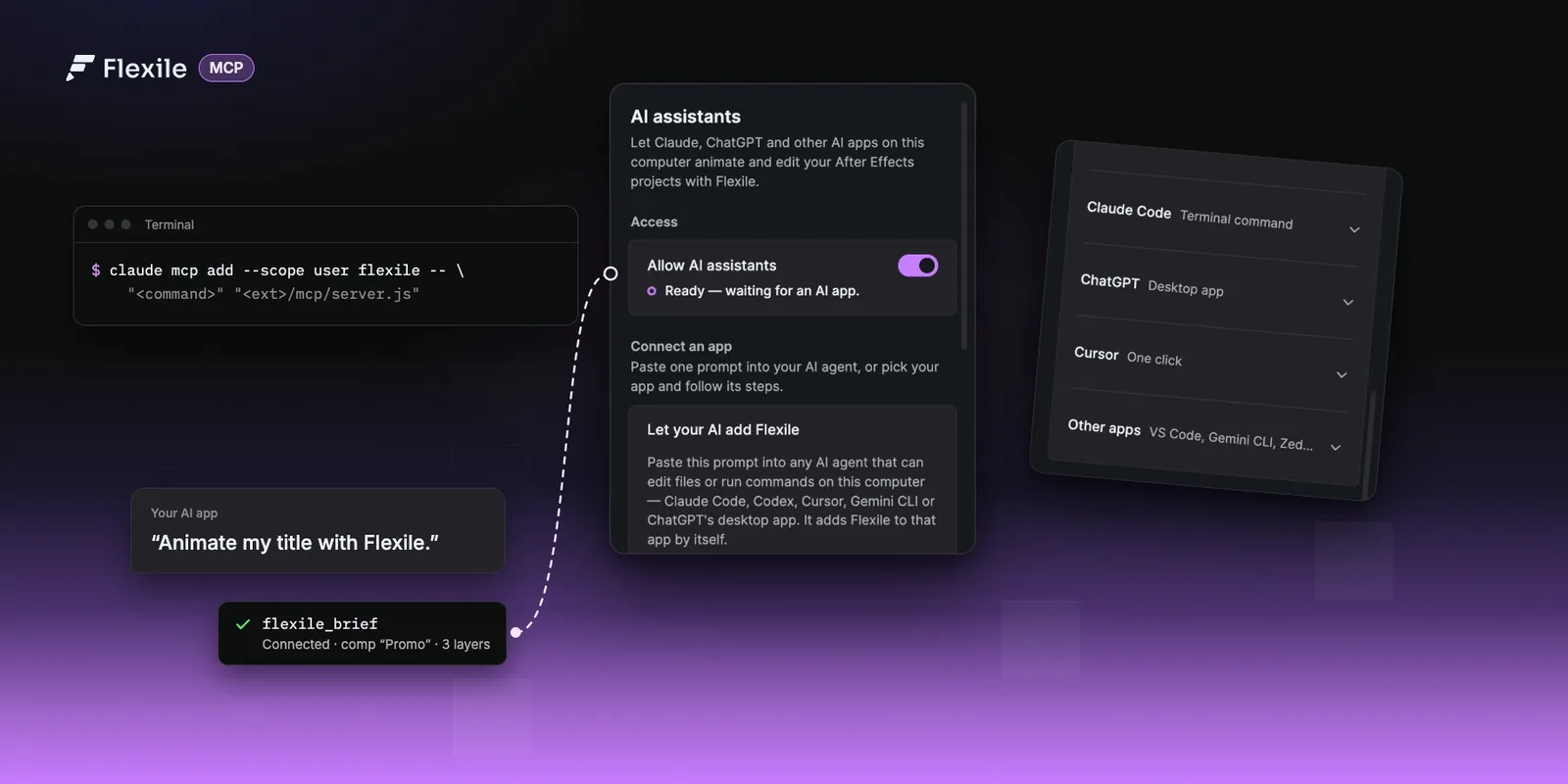
Use Claude, ChatGPT or Cursor in After Effects (MCP setup)
Connect Claude, ChatGPT desktop, Cursor or any MCP app to Flexile and let it animate, caption and check your After Effects projects. Set-up for every app, how it works, and prompts to try for each panel.