ChatGPT for After Effects: expressions, scripts and MCP
Two ways to use ChatGPT with After Effects: test and run the expressions and scripts it writes in a Flexile tool, or connect the ChatGPT desktop app or Codex so it works in your comp.
By Filip Miernik
Tutorial
7 min read
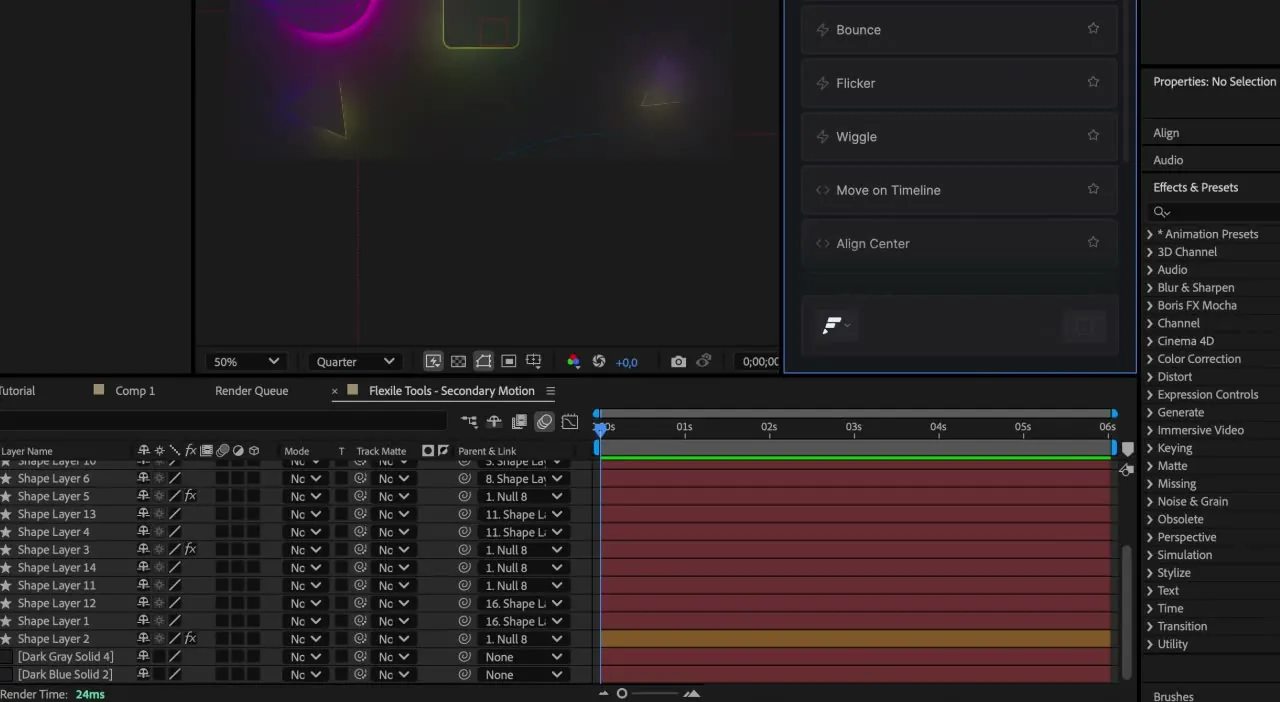
ChatGPT can’t reach After Effects from a web browser, but you can still put it to work in two ways. It can write expressions and scripts that you paste in and run, or, from the ChatGPT desktop app or Codex, it can connect to After Effects through an MCP server and work in your comp.
Both routes below use Flexile, the After Effects extension we make. The first works with ChatGPT anywhere, including the browser. The second needs Flexile 0.17.0 or newer.
Two ways to use ChatGPT with After Effects
- ChatGPT writes, you run. Ask for an expression or a script, paste it into a Flexile custom tool, test it and save it. ChatGPT only sees what you paste into the chat.
- ChatGPT works in After Effects. The ChatGPT desktop app or Codex connects to Flexile’s MCP server, reads your comp, animates it with Flexile’s easing, text engine, tools and audio, then checks the result.
Use the first for a single expression, or for code you want to read before it runs. Use the second when you want the AI to see the comp and handle several steps for you.
Expression or script: what to ask ChatGPT for
An expression is code on one property, such as Position or Scale, that sets its value. A script is ExtendScript that runs once and can change the whole project, for example by parenting the selected layers to a new null or staggering their start times. Say which one you want, and give ChatGPT what it can’t see:
- The layer and property names exactly as they appear in your timeline.
- What should happen and how long it should take, in frames or seconds.
- Whether the code should act on the selected layers or on named ones.
- One job per request. A saved tool holds up to 1,000 characters of code, so ask for a short version without comments.
Two prompts that follow those rules:
Write an After Effects expression for the Scale of my “Logo” layer that pulses between 100% and 110% twice per second.
Write an ExtendScript for After Effects that staggers the start times of the selected layers by 2 frames, from the top layer down.
How to run ChatGPT code in After Effects with Flexile
Flexile’s Tools page has a built-in code editor for your own tools. Each tool is a Script or an Expression, and you can Test it before you save. A script’s test shows its console output, or the error with its line number, which makes the editor a good place to try code from ChatGPT.
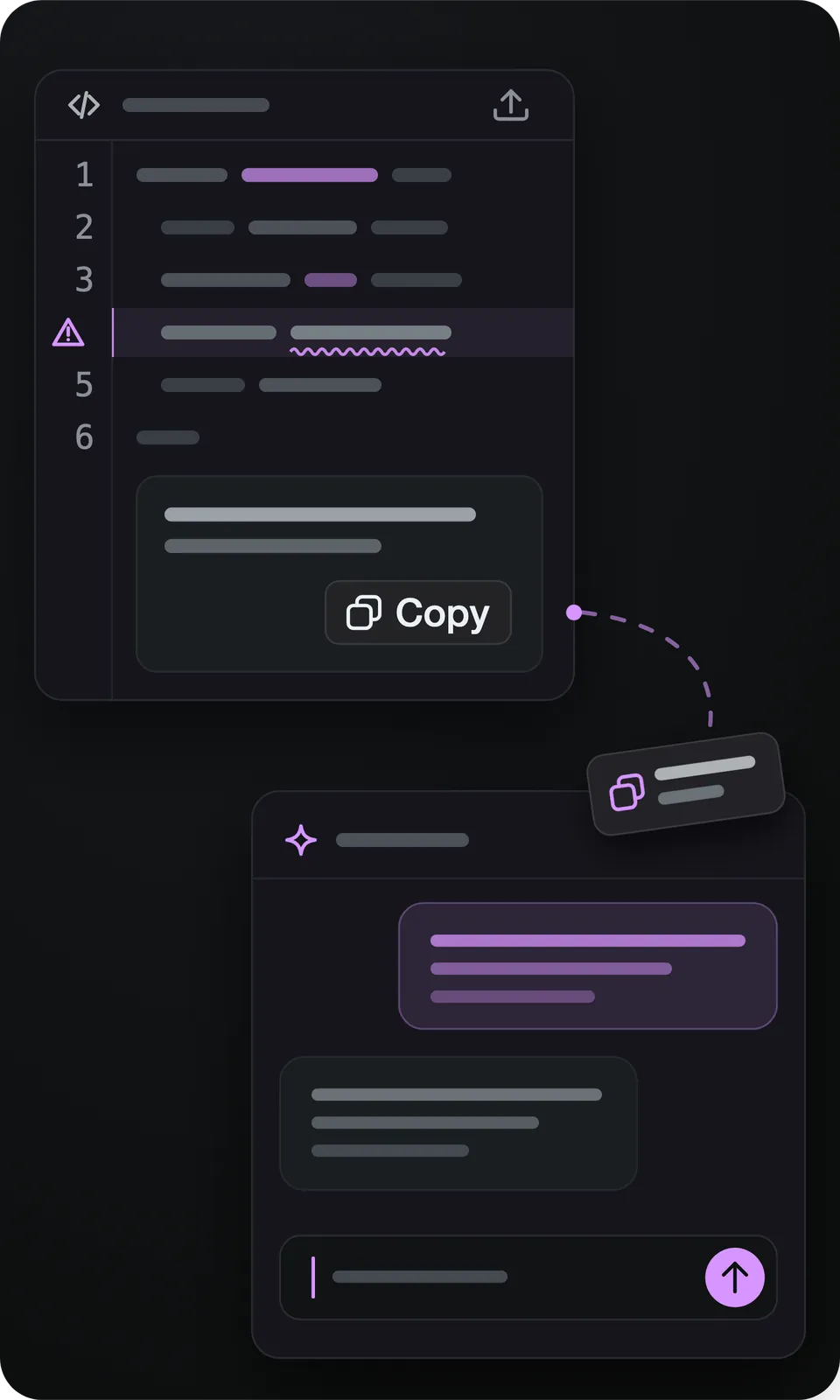
- Open the panel with Window > Extensions > Flexile for AE and sign in. Custom tools need a signed-in account.
- On the Tools page, click + next to Cloud Tools, name the tool and choose Script or Expression.
- Paste the code from ChatGPT into the editor.
- Select what the code works on: the properties for an Expression tool, or the layers a script expects.
- Click Test. A Script tool runs and shows its output, or the error and the line it points to. An Expression tool is applied to the properties you selected, so you see the result in your comp.
- If it fails, copy the error message back to ChatGPT, ask for a fix, paste the new version and test again.
- Save the tool. It appears under Cloud Tools, syncs to your Flexile account and runs from the Tools page whenever you need it. Test doesn’t check the length, so code that passed Test can still be refused as too long at Save. Ask ChatGPT to shorten it.
Test runs the code for real, so try new code on a copy of your project first. You can also paste an expression straight onto a property without Flexile; Adobe’s expression language reference documents the language. The Flexile tool adds the test step and keeps the code for your next project.
How to connect ChatGPT desktop to After Effects
Flexile 0.17 ships an MCP server inside the extension. MCP (Model Context Protocol) lets an AI app call tools that a server offers. The AI app starts Flexile’s server on your computer, and the server talks to the Flexile panel open in After Effects. It runs on the Node.js that Flexile already ships, so there is nothing extra to install.
The panel’s AI page gives a copied config for the ChatGPT desktop app and the Codex CLI. Both read the same file, ~/.codex/config.toml, so one entry serves both. OpenAI’s Codex MCP documentation describes the file’s format for Codex.
Before you start
- Flexile 0.17.0 or newer, signed in inside the panel.
- The Flexile panel open in After Effects. The AI can only reach After Effects while the panel is open.
- Allow AI assistants switched on. It is on by default, at the top of the AI page and in Settings.
- Open the AI page in the Flexile panel, open Other apps, choose Codex TOML and click Copy TOML.
- Paste it into
~/.codex/config.tomland keep any servers already in the file. - Restart the ChatGPT desktop app or Codex, open a comp in After Effects and ask: “Animate my title with Flexile.”
- The AI calls
flexile_brieffirst, which connects to the panel and reads your comp. While it works, the panel shows an AI notice with the step it is on.
[mcp_servers.flexile]
command = '<command>'
args = ['<ext>/mcp/server.js']
<command> stands for Flexile’s bundled Node.js and <ext>/mcp/server.js for the server inside your installed extension. The config you copy has the real paths for your computer.
The ChatGPT row on the same page shows another route instead of a file: in-app steps for the ChatGPT desktop app and a codex mcp add command. The ChatGPT desktop and Codex set-up steps walk through both. The same guide covers Claude and Cursor setup and a setup prompt that the ChatGPT desktop app or Codex can use to add Flexile by itself. After a Flexile update the extension folder can move, so set ChatGPT and Codex up again from the AI page.
What ChatGPT can do in After Effects through Flexile
Once connected, the AI works through Flexile’s pages:
- Animation. It picks from 37 named curves in Bezier, Smart or Peak mode, and re-eases existing keyframes instead of replacing them.
- Text. It builds text animation with Flexile’s text engine (15 effects), including IN and OUT animations and reveals by character, word or line.
- Tools. It runs the quick tools and your own, and can write a Script or Expression tool, save it to Cloud Tools and run it. Code is checked before it is saved, so broken code is refused instead of saved.
- Audio. It writes beat keyframes from a song and makes subtitles on the Audio page. The first time, click Download in Audio > Subtitles yourself, because the AI can’t download speech models.
- Checks. It reads the comp before it starts, checks its own motion for safe area, contrast, easing and timing, and renders a small contact sheet to see the result.
Every Flexile call is one undo step, so Cmd+Z or Ctrl+Z in After Effects steps back through what the AI changed. One exception: when After Effects has to render the audio of a time-remapped layer or a file it can’t read, the render clears its undo history. The Elements panel, Learn and Settings are not available to the AI yet.
Prompts to start with:
Reveal “Summer Drop” word by word, then fade it out at the end of the comp.
Make the logo pulse on every kick of the song.
Save a tool that staggers the selected layers by 2 frames, then run it.
For the server’s tools and the other AI apps it works with, see the MCP server for After Effects page.
Is it safe to let ChatGPT run code in After Effects?
- Without an MCP connection, a tool you make from ChatGPT’s code runs only when you click Test or run it.
- Over MCP, the AI can run scripts in After Effects. Only paste prompts and instructions you trust, and review what it plans before big changes.
- Flexile’s server runs locally. ChatGPT or Codex sends what the AI reads, the comp’s layers and a few preview frames, to its own model, like anything else you share in that chat. The panel itself sends licence checks and error and event data, and syncs the tools you save to your Flexile account, whether or not an AI app is connected.
- Saving the project and files written to disk can’t be undone, so the AI only saves when you ask it to.
- Allow AI assistants is the off switch. With it off, AI apps can’t reach After Effects until you switch it back on.
Get started with Flexile
Flexile supports After Effects 2025 or newer on macOS and Windows and is free during beta, with every feature unlocked. Connecting ChatGPT also needs Flexile 0.17.0 or newer and the ChatGPT desktop app or Codex.
Related posts
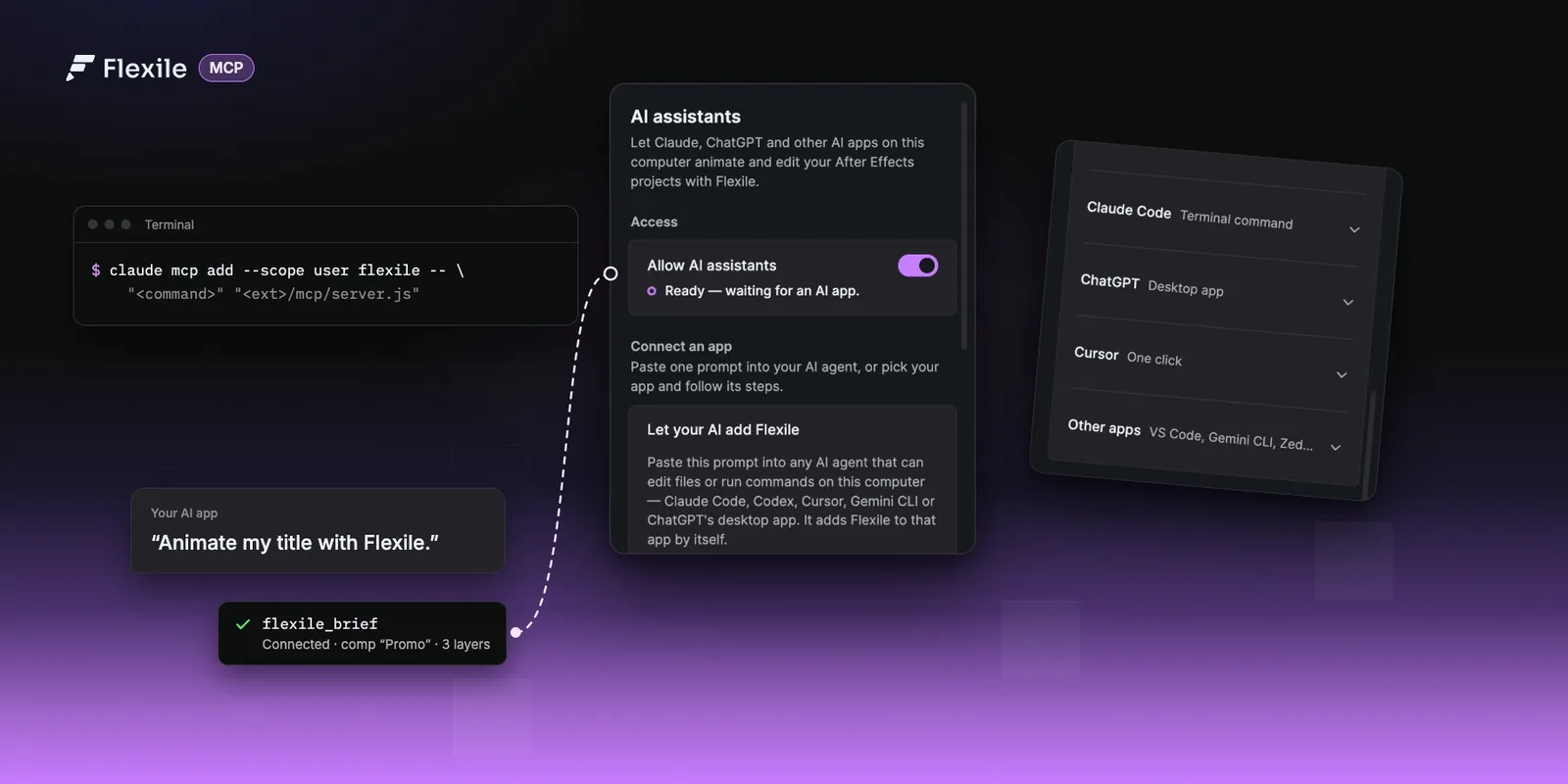
Use Claude, ChatGPT or Cursor in After Effects (MCP setup)
Connect Claude, ChatGPT desktop, Cursor or any MCP app to Flexile and let it animate, caption and check your After Effects projects. Set-up for every app, how it works, and prompts to try for each panel.
Best AI plugins for After Effects (2026)
AI plugins for After Effects that add an AI assistant, let Claude and Cursor work in your comps, generate images and video, or make depth maps and captions. Prices and versions from each official page, September 2026.
Bounce and overshoot expressions in After Effects (and one-click versions)
Two commented expressions to paste: an overshoot that springs past each keyframe and a bounce that rebounds like a ball. Plus slider controls, fixes and Flexile’s one-click rigs.