How to make karaoke text in After Effects
Paste the lyrics and let Flexile time every word to the song and highlight it as it is sung, or build a word highlight by hand with a Fill Color text animator.
By Filip Miernik
Tutorial
6 min read
Karaoke text in a lyric video needs two things: the moment each word is sung, and a text animator that colours that word. In plain After Effects you build it with a Fill Color animator based on words and one keyframe per word, placed by ear. With Flexile you paste the lyrics, Flexile times every word to the song and writes the highlight onto one text layer per line.
Flexile is our After Effects extension. This guide shows the manual method first, then the Flexile route, so you can pick either.
In this guide
- Can you make karaoke text without a plugin?
- Time the lyrics with Flexile
- Can an AI assistant do it for you?
- What you need
Can you make karaoke text without a plugin?
Yes, with a text animator, but you do the timing yourself. As of September 2026, After Effects has no built-in speech-to-text (Adobe documents Speech to Text as a Premiere Pro feature), so you find each word by listening. The animator and its range selector are described on Adobe’s Animating text page. For each lyric line:
- Type the line on its own text layer and trim the layer to the time the line is sung.
- Choose Animation > Animate Text > Fill Color > RGB, or use the Animate menu (Fill Color > RGB) on the layer in the Timeline panel. The new animator comes with Range Selector 1.
- Set the animator’s Fill Color to your highlight colour.
- Open Range Selector 1 > Advanced and set Based On to Words, Shape to Square and Smoothness to 0%, so the colour steps from word to word instead of fading across the letters.
- At the start of the line, set a keyframe on End at 0%. At the moment each word is sung, drag End until that word takes the colour.
- Select the End keyframes and choose Animation > Toggle Hold Keyframe, so each word switches exactly on its keyframe.
Sung words stay coloured, which is the classic karaoke fill. To colour only the word being sung, keyframe Start the same way, one word behind End.
Every word costs one keyframe placed by ear: the lyrics in our homepage demo have 53 words. If you already have each word’s time as numbers, an Expression selector can switch the colour instead of keyframes. That is what Flexile writes for you, as shown below.
Want the words to appear one after another instead of changing colour? Use a word-by-word reveal with the same Based On setting.
Time the lyrics with Flexile
Karaoke subtitles are one option of Flexile’s auto captions on the Audio page. The same tab also transcribes speech when you have no script. Your song is never uploaded, because Whisper runs on your computer, not on a server.
Pick the song and a speech model
- Open the Flexile panel from Window > Extensions > Flexile for AE, select the song layer in your comp and go to Audio > Subtitles.
- Set Language to the language of the lyrics. Auto-detect listens only to the first 30 seconds, and for songs the panel tells you to choose the language yourself.
- Set Model to Large v3 Turbo (574 MB), the model the panel marks as best for songs. Our Whisper subtitles guide compares all five models. Nothing downloads until you click Download. The first download also brings the speech engine, about 3.5 MB.
Flexile reads mp3, wav, flac, ogg, aac, m4a, mov and AIFF audio itself, up to 20 minutes per clip. A time-remapped song layer has to be rendered by After Effects first. That render clears the undo history, so it runs only when you allow it.
Paste the lyrics and time them
Switch on I have the lyrics or script and paste the lyrics, or load them from a text file. Put each sung line on its own line: each line becomes one subtitle, and the words stay exactly as you wrote them, so fix typos before you continue. Then click Time my text.
Flexile recognises the sung words, matches your words to them and times each one. A word the model could not hear gets a time between its neighbours. In our homepage demo, Flexile matched 51 of the 53 lyric words with Large v3 Turbo.
Check the review list
Nothing is created yet. Every subtitle appears in a review list first, where you can edit or remove it. Removing a line keeps the timing of the others. Editing a line spreads its words evenly over the line’s time, so its highlight no longer follows the singing. For karaoke, fix a wrong word in the pasted lyrics and click Time my text again instead.
Under Layout, Your lines keeps one subtitle per line of your text. You can also split by Length (42 characters and 2 lines by default), into Phrases of 2 to 4 words, or into Words, one per subtitle. The same list saves the subtitles as .srt or .vtt files.
Style the lines from your own layer
Select one text layer in the timeline and Flexile uses it as the template: every subtitle copies its font, size, colour, position, effects and Flexile IN/OUT animation. The template is then hidden and kept in the comp. A layer with keyframed Source Text can’t be a template. Without a layer, pick a preset: Clean, Outline (the default), Bold yellow or Lower third.
To make the lines move, give the template an IN or OUT animation on Flexile’s Text page before you create the subtitles, and every line copies it. Here is how to animate the lyrics as text.
Turn on the word highlight
In the karaoke options, switch on Highlight the word being said. The default colour is yellow (#ffd60a), and you can change it. To give chosen words their own colour wherever they appear, such as the song title or a name, add a word colour for each word or phrase.
Flexile builds the highlight from native After Effects parts. Each subtitle layer gets a text animator with a Fill Color property and an Expression selector based on words, and the selector’s expression holds each word’s start and end time, so there are no keyframes to place. Only the word being sung takes the colour. The words before it go back to the line’s colour, or to their word colour if you set one.
Create the layers
Click Create subtitle layers. Flexile adds one text layer per subtitle, timed to the song, and the whole batch is one undo step. Replace earlier subtitles is on by default and deletes the subtitle layers Flexile made before in that comp, so you can change a setting and create them again. One click creates at most 300 subtitle layers, so a long song split into Words can be over the limit. Use Your lines or Phrases for it instead.
Can an AI assistant do it for you?
Yes, if the AI app is connected to Flexile’s MCP server, for example Claude Desktop, ChatGPT desktop or Cursor. Paste the lyrics into the chat and you can time the lyrics from a prompt:
Time these lyrics to the song as karaoke captions and highlight each word in yellow.
The AI uses the same Audio page. It can’t download speech models, so click Download once in Audio > Subtitles before you ask.
What you need
- Supported: After Effects 2025 or newer, on macOS and Windows.
- Subtitles and karaoke need a Mac or a Windows PC with a 64-bit Intel or AMD processor. Intel Macs need AVX2 (2013 or newer), and Windows needs SSE4.2 and the Microsoft Visual C++ runtime. Windows on ARM is not supported.
- Audio clips up to 20 minutes.
- A Flexile account. Flexile is free during beta: no trial, no card, every feature unlocked.
Related posts
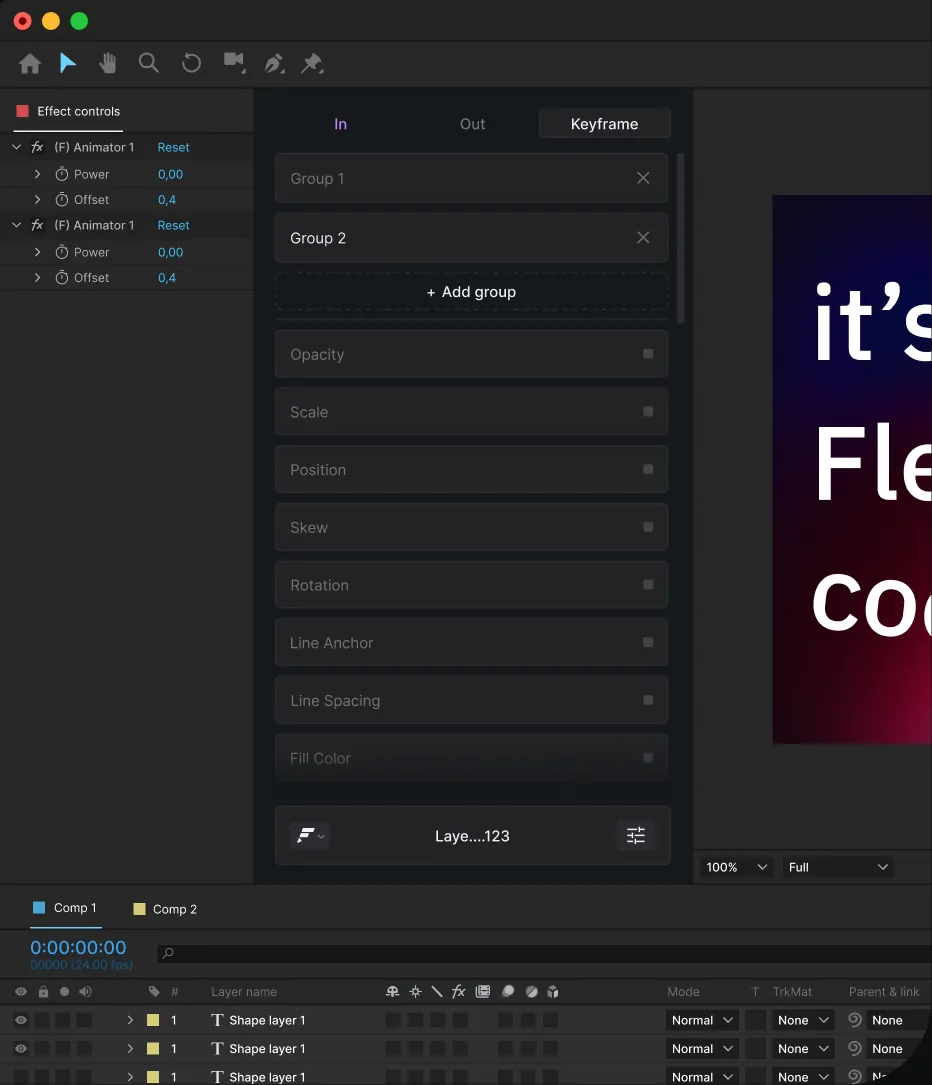
Whisper subtitles in After Effects: models, requirements and steps
What Whisper and whisper.cpp are, which of the five speech models to pick, what your computer needs, and how to turn speech or lyrics into subtitle layers in After Effects.
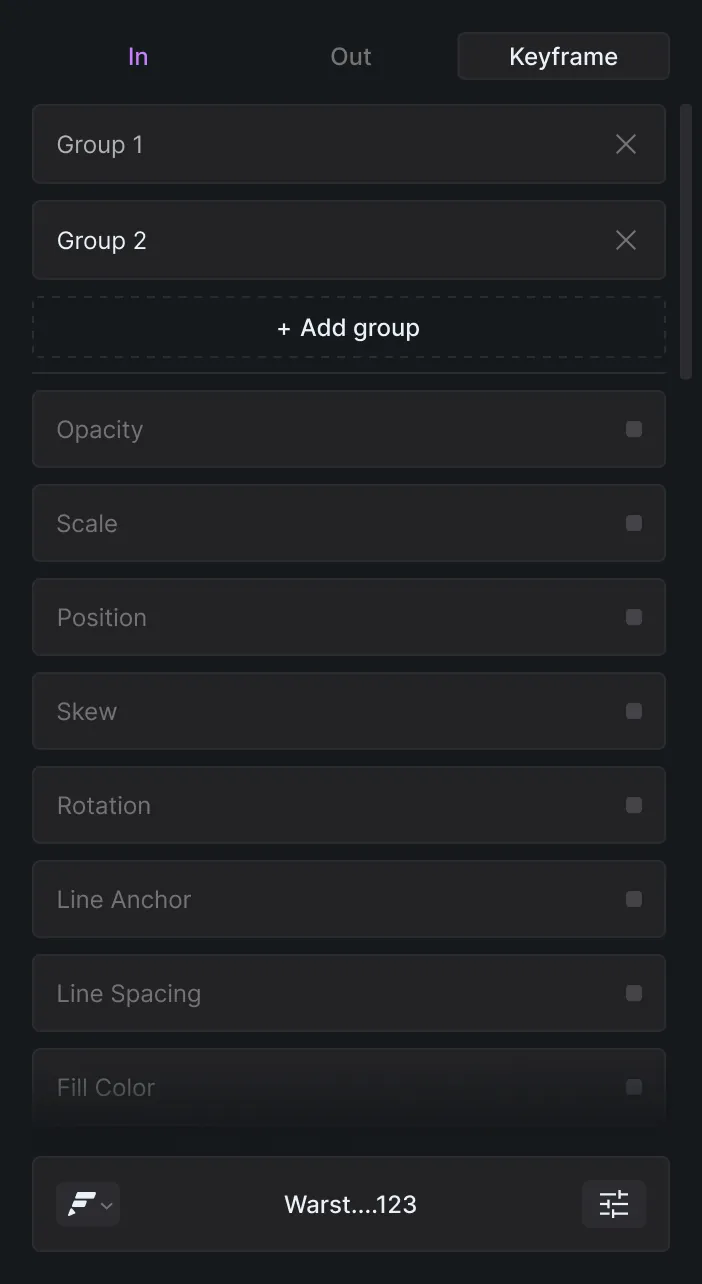
Word-by-word and typewriter text animation in After Effects
Reveal text one word at a time with a Range Selector based on words, turn it into a typewriter with Smoothness at 0%, or let Flexile stagger the words for you.
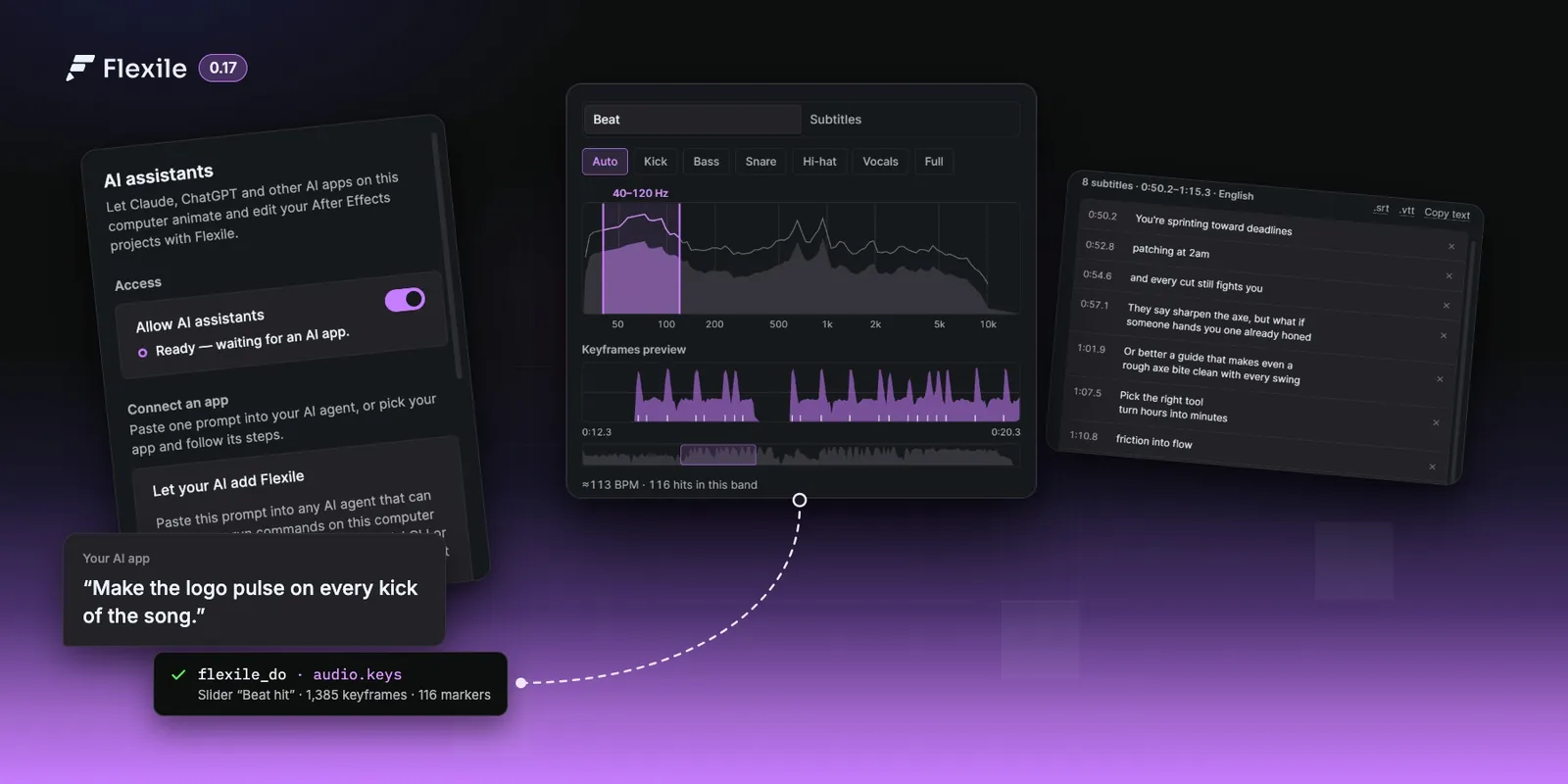
AI assistants, AI-made tools and the new Audio page
Your AI app can now drive After Effects through Flexile’s MCP server and write your custom tools. The new Audio page turns a song into beat keyframes and speech or lyrics into subtitles and karaoke.